"New" iNaturalist App Falls Short on the Essentials
To get the obvious question out of the way: my friends and I didn’t find any nudibranchs. But the trip ended up being a useful test of something else I’d been meaning to try—the “new” iNaturalist app which was released in April 2025.

I love citizen science opportunities, especially ones out in nature, so when I heard in a recent Ologies episode that nudibranch researchers rely on citizen science on the California coast and were working with the CalAcademy to organize a campaign to look for nudibranchs later this spring, I decided to give it a try on my own beforehand.
To get the obvious question out of the way: my friends and I didn’t find any nudibranchs.
But the trip ended up being a useful test of something else I’d been meaning to try—the “new” iNaturalist app which was released in April 2025.
Picking a Spot
Up until recently, I had stuck with iNaturalist Classic. Moving back to the Bay Area felt like a good opportunity to switch things up and try the newer app.
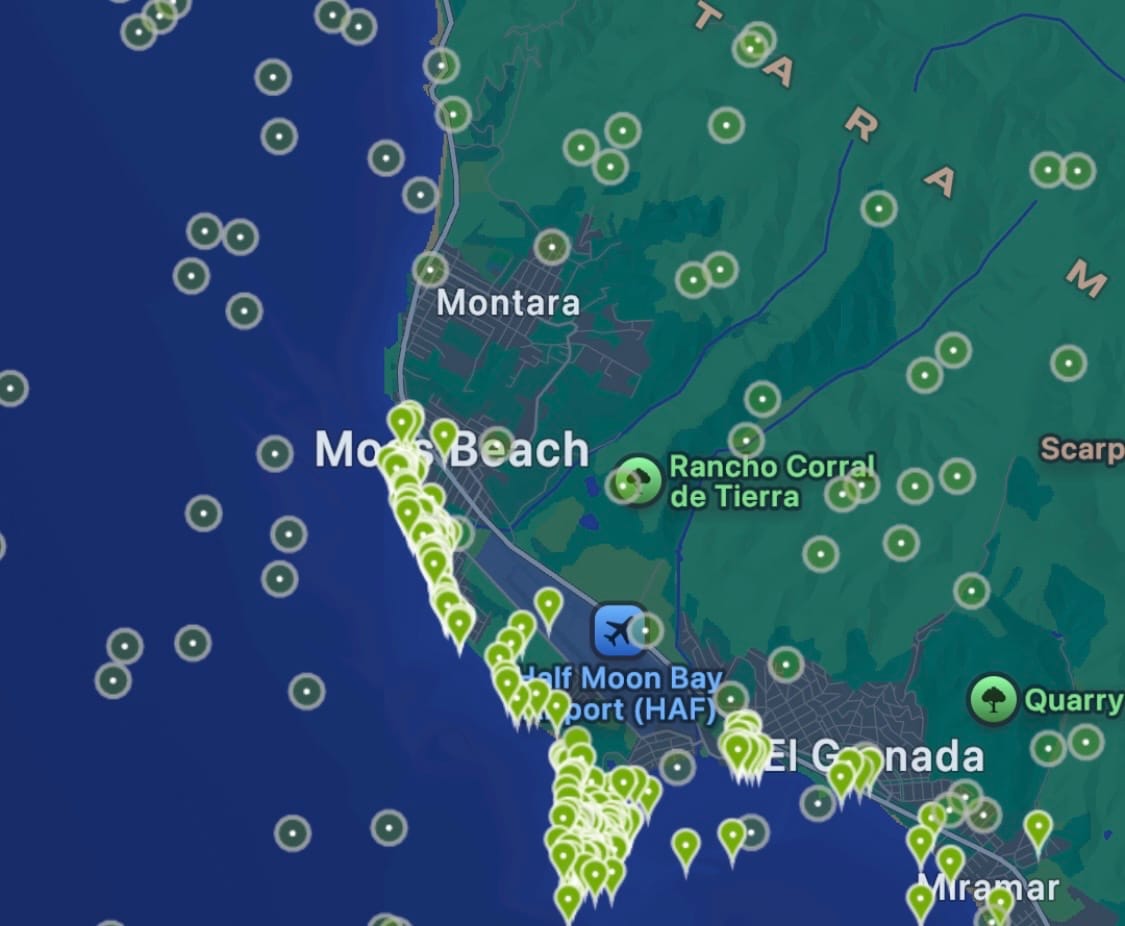
Planning the trip was actually pretty straightforward with the new app. I used the Explore tab to filter observations, searched for “Nudibranchs,” and limited results to February through April, since we were going in early April. I saw a cluster of observations around Moss Beach, so we decided to head there.
Seeing observations in both March and April was also reassuring. It suggested that nudibranchs in that area weren’t limited to a narrow seasonal window we might not be matching.
Taking my phone tide pooling would have felt risky once upon a time, but now it’s kind of a no-brainer. Phones are sturdier, and a normal case with a screen protector is enough for me to feel comfortable about a short drop.
Where the App Let Me Down
The issues started once we were actually out there.
In iNaturalist Classic, the camera interface is simple and fast. I can open it, take a photo, and if I don’t have service, or have spotty service, it saves everything locally until I can upload later.
The new app felt a lot less seamless.
There’s an AI overlay built into the camera, which means I can’t just quickly pull it out and snap a photo, I need to wait for the AI portion to load. If I want to take more than one photo, I have to click through a few steps to even get to that option. When I was trying to record observations on something like a small fish darting from anemone to anemone, that extra friction really mattered.
It also fills the screen with a popup while uploading each observation, which wasn’t ideal given how spotty the connection was out there.
The worst part was that when I tried to upload observations with multiple photos, the app crashed. I lost everything from that observation.
Sometimes, the AI camera would provide a generic classification like "Animals". When I asked the app to classify the photo later, it was able to come up with a more specific classification like "Genus Mopalia". It's not clear to me why the results are different for the same photo, especially as the waiting time was pretty similar. Since it's possible to classify the photo later, I wish the camera experience prioritized speed and core functionality more.
What We Actually Found
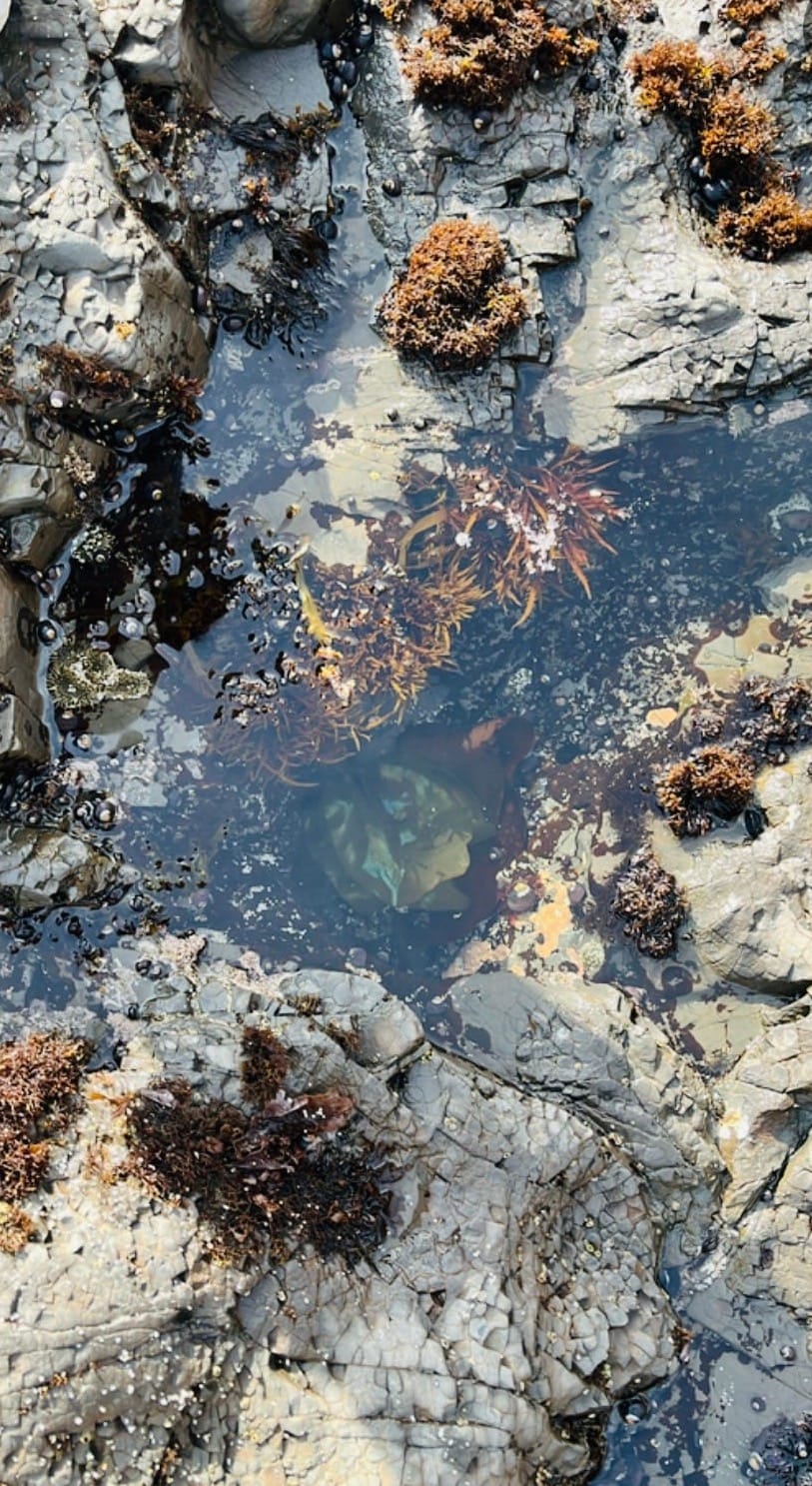
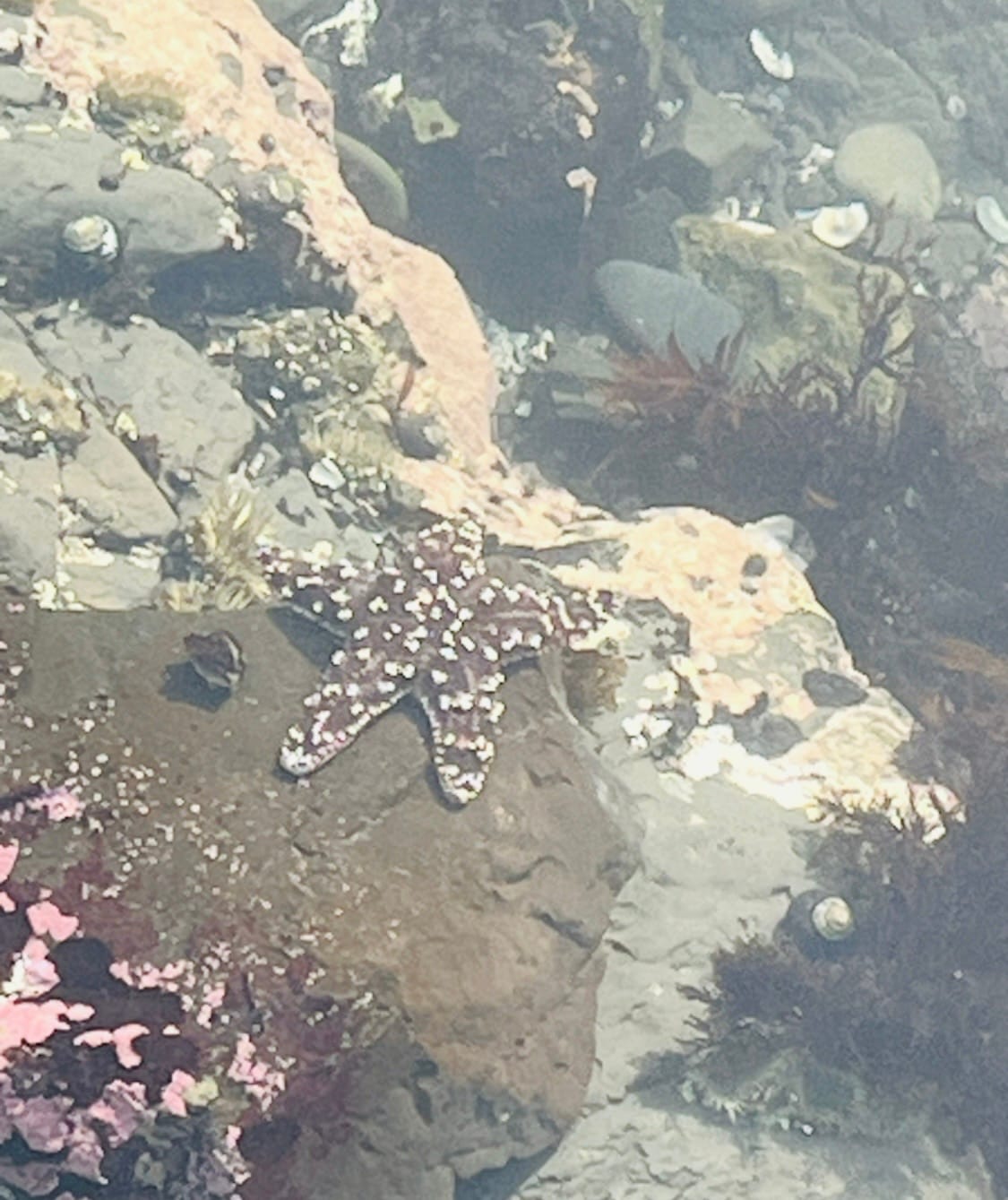
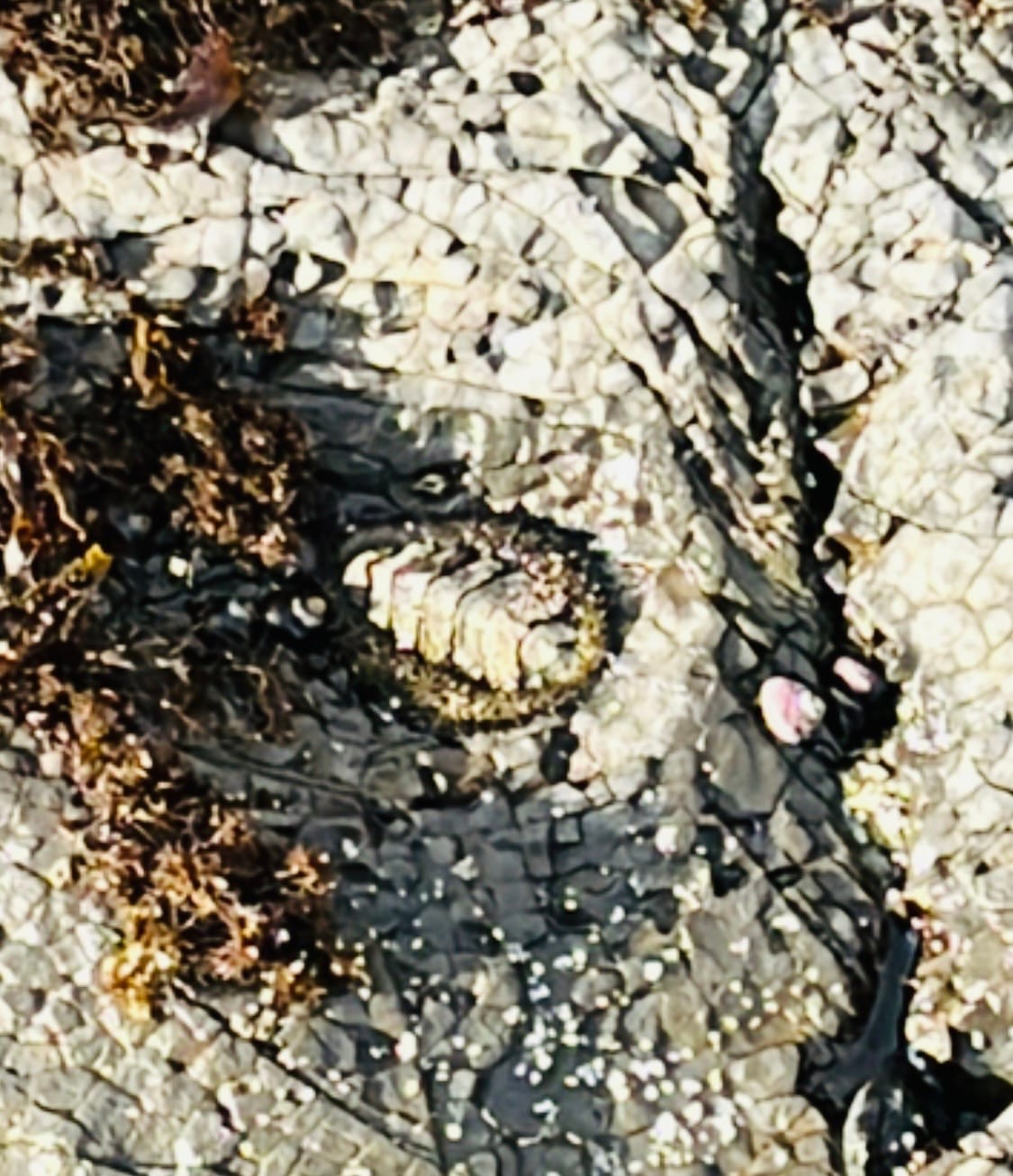
Tidepooling photos
Even without nudibranchs, there was plenty to see.
We found a lot of black tegula snails, some anemones, and a starfish that the app wasn’t able to identify. It also correctly identified some iridescent algae in the genus Mazzaella, which felt like a small win.
That mix of successes and misses made it pretty clear to me where the app works well and where it struggles.
Where It Worked (and Where It Could Improve)
When the AI overlay worked, it was actually kind of cool.
As soon as I took a picture, it would try to classify what was in the frame. For things that didn’t move, like anemones, snails, or the Mazzaella algae, it worked pretty well. It made it easy for me to tell my friends what we were probably looking at.
But I noticed it struggled when the subject wasn’t framed clearly.
I’ve seen apps like Merlin, which is used for bird identification, handle this differently. It guides me to zoom in and center the subject so the model is focused on exactly what I want identified. From an image classification perspective, that makes a lot of sense. Cropping and centering the subject reduces background noise and improves the signal the model is using, so it is less likely to latch onto irrelevant features. Something like that would have helped with the starfish we saw, where the app wasn’t able to identify anything in the image at all.
I also found that multiple photos per observation really matter for this. I like having one image that shows the organism in its environment, and another that’s zoomed in for detail. That combination makes both identification and documentation stronger. The app’s friction around taking multiple photos made that harder than it should be.
Back to Classic
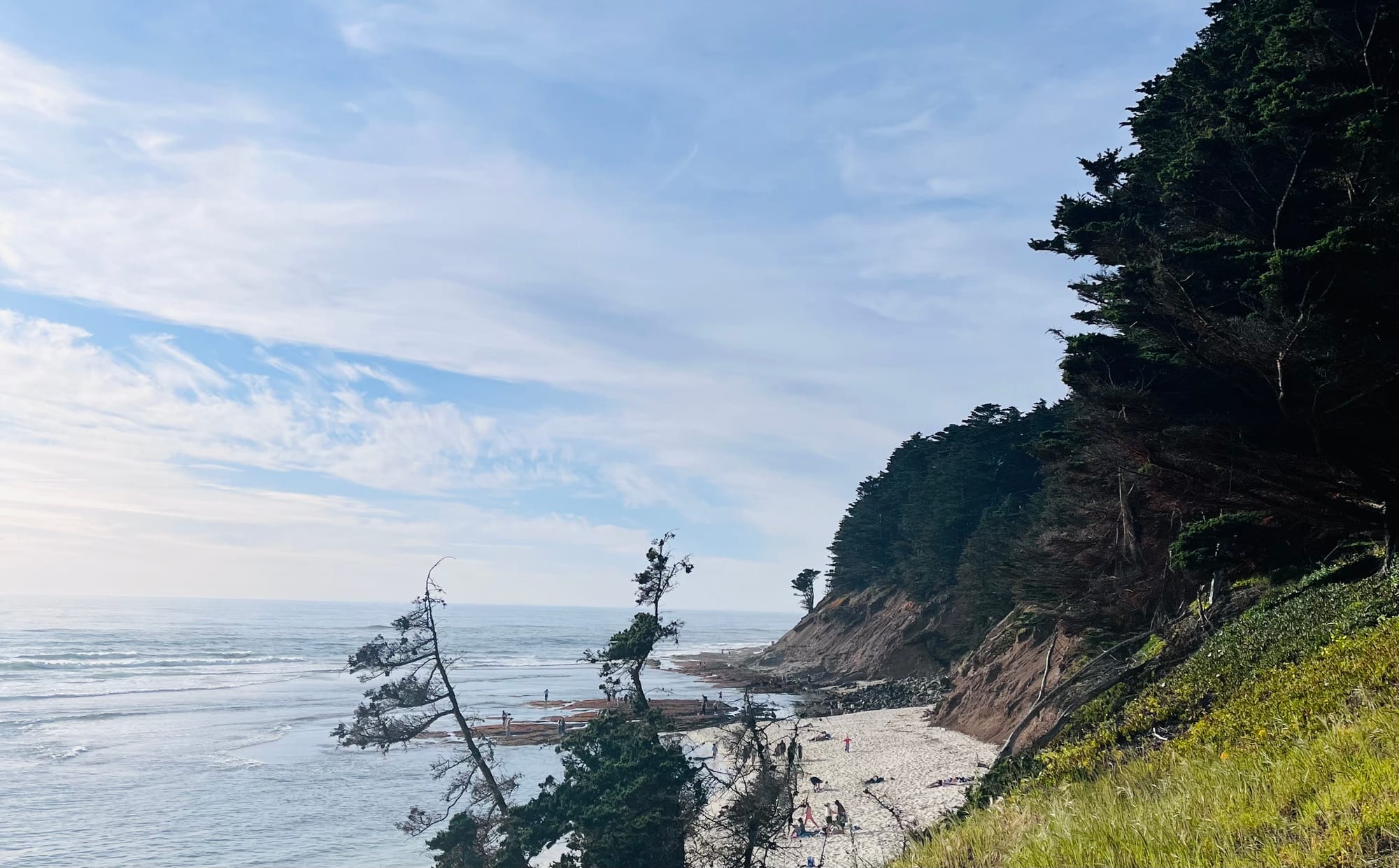
After this trip, I don’t think I’ll stick with the new app.
I like the idea of quick, built-in classification, but it’s not worth losing photos or waiting on uploads when I’m out in nature and the connection isn’t reliable. I appreciate what they’re trying to do, and I’m sure it will get to a point where it fits into my time outside. It’s just not there yet.
No nudibranchs this time, but still a worthwhile experiment.